TRACKING ANIME
Never forget what you've watched or lose track of your backlog. Otaku Den makes it easy to organize your entire anime journey.
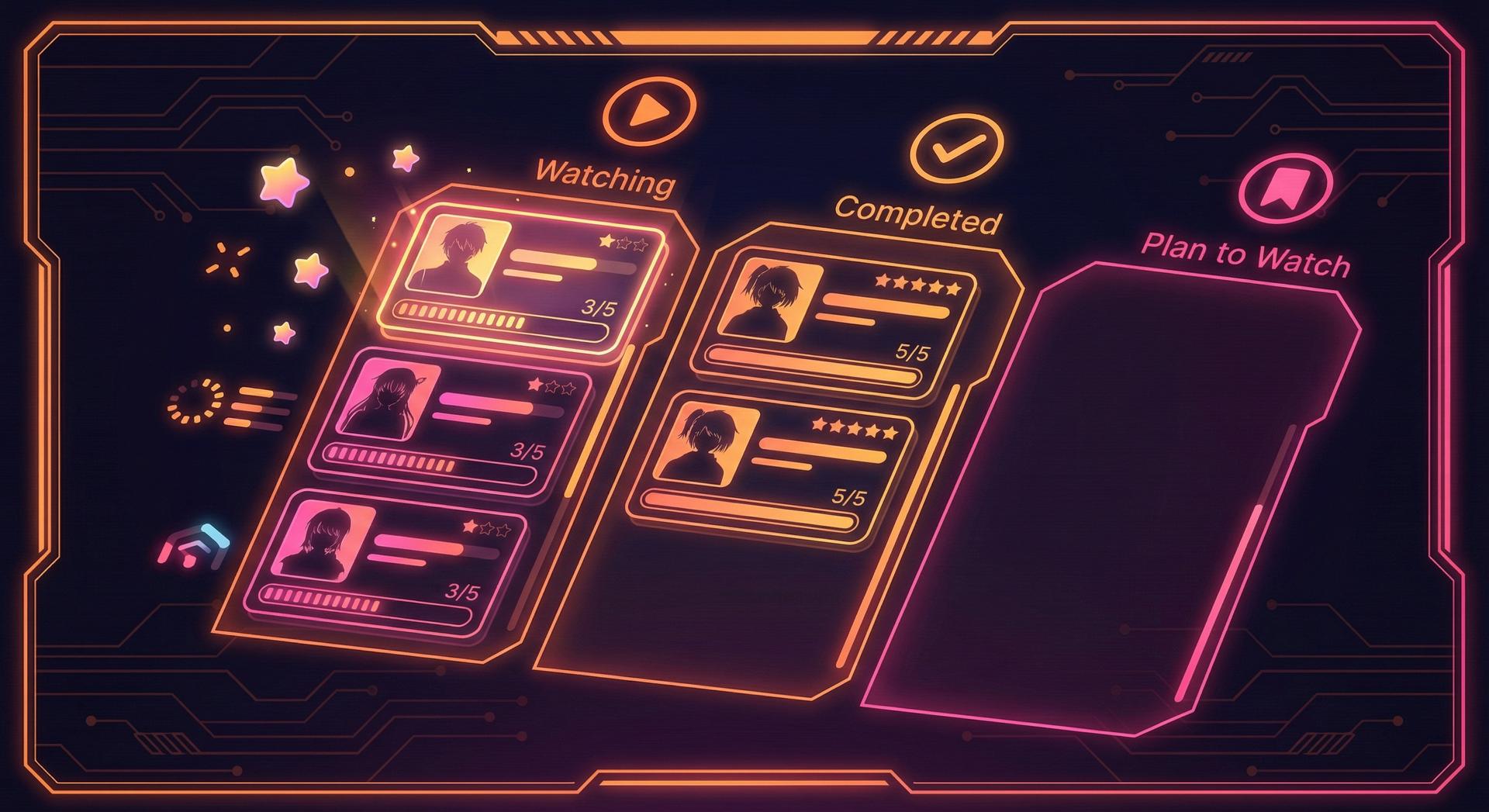
WATCH STATUSES
Watching
Shows you're currently watching episode by episode
Watched
Anime you've finished watching all episodes
Plan to Watch
Your backlog of shows to watch later
On Hold
Shows you've paused but plan to continue
Dropped
Anime you stopped watching and won't continue
HOW TO ADD ANIME
Method 1: From Search
- 1Use the search bar at the top of any page
- 2Type the anime name and select from results
- 3Click the "Add to List" button on the anime page
- 4Choose your status and optionally add a rating
Method 2: From Browse
- 1Go to Browse and explore anime by genre, season, or popularity
- 2Hover over any anime card to reveal the quick-add button (+)
- 3Click + to add directly or click the card for more details
TRACKING FEATURES
Quick Add from Anywhere
Use the + button on any anime card to add shows to your list instantly.
Personal Ratings
Rate anime from 1-10 stars. Your ratings help power the rankings feature.
Personal Notes
Add private notes when you rate a show — reminders for yourself, not public reviews.
Now Watching
Your top Watching show (by list order) appears as Now Watching on your profile.
Custom Lists & Tier Boards
Build ranked lists and S–F tier boards beyond watch status — shareable with a link.
Import from MyAnimeList
Bring over scores and statuses from a MAL export in Settings → Import.
IMPORT FROM MYANIMELIST
Already have a list elsewhere? Export it from MyAnimeList (Profile → List → Export), then go to Settings → Import from MyAnimeList and upload the file. We'll pull in your scores and watch statuses — you choose whether to skip titles already on Otaku Den or overwrite them with your MAL values.
Open SettingsSTART TRACKING TODAY
Your anime journey deserves to be remembered. Start building your list now.